
Most product demo webinars follow the same pattern: the presenter opens the product, clicks through every feature, and narrates what each button does. The attendee watches a tour of an interface. By minute 20, they are checking their email. By minute 40, they have forgotten why they came. The demo ends. No one converts.
The problem is not the product. It is the approach. A demo that shows features answers the question: what does this tool do? But the attendee did not come to learn what the tool does. They came to learn what it changes for them. A feature tour answers the wrong question.
Show transformation, not features
An effective product demo shows the transformation the product enables. It starts with the problem the attendee has. It shows the current state — the manual process, the wasted time, the frustration. Then it shows the future state — what the process looks like with the product. The features are shown only as they relate to that transformation.
This means the demo is structured around the attendee's workflow, not the product's menu. If the attendee's problem is lead follow-up, the demo shows how the product changes lead follow-up. If the problem is reporting, the demo shows how the product changes reporting. Every feature shown must connect to a problem the attendee arrived with. Features without context are noise.
The before-and-after structure
A strong demo follows a before-and-after structure. Before: the attendee's current process, shown honestly. The manual steps, the time cost, the points of failure. After: the same process with the product, shown specifically. Fewer steps, less time, fewer failures. The contrast makes the value obvious without the presenter having to assert it.
The key is specificity. Do not say 'our product saves time.' Show a specific task that takes 45 minutes manually and 5 minutes with the product. Do not say 'our product improves accuracy.' Show a specific error that occurs manually and does not occur with the product. The attendee needs to see their own workflow in the demo, not a generic one.
The three mistakes that kill demo webinars
- The feature tour — showing every feature regardless of relevance. The attendee does not need to see everything. They need to see the things that solve their problem.
- The speed run — clicking through features too fast for the attendee to follow. The demo should be slow enough that the attendee can imagine themselves using the product, not so fast that it becomes a blur.
- The no-offer demo — showing the product without making the next step clear. The attendee watches, is interested, and then... nothing. The demo should end with a clear, specific offer.
The attendee does not want to see your product. They want to see their problem solved. Show the problem, show the solution, show the transformation. The product is the vehicle, not the destination.
Automating the demo webinar
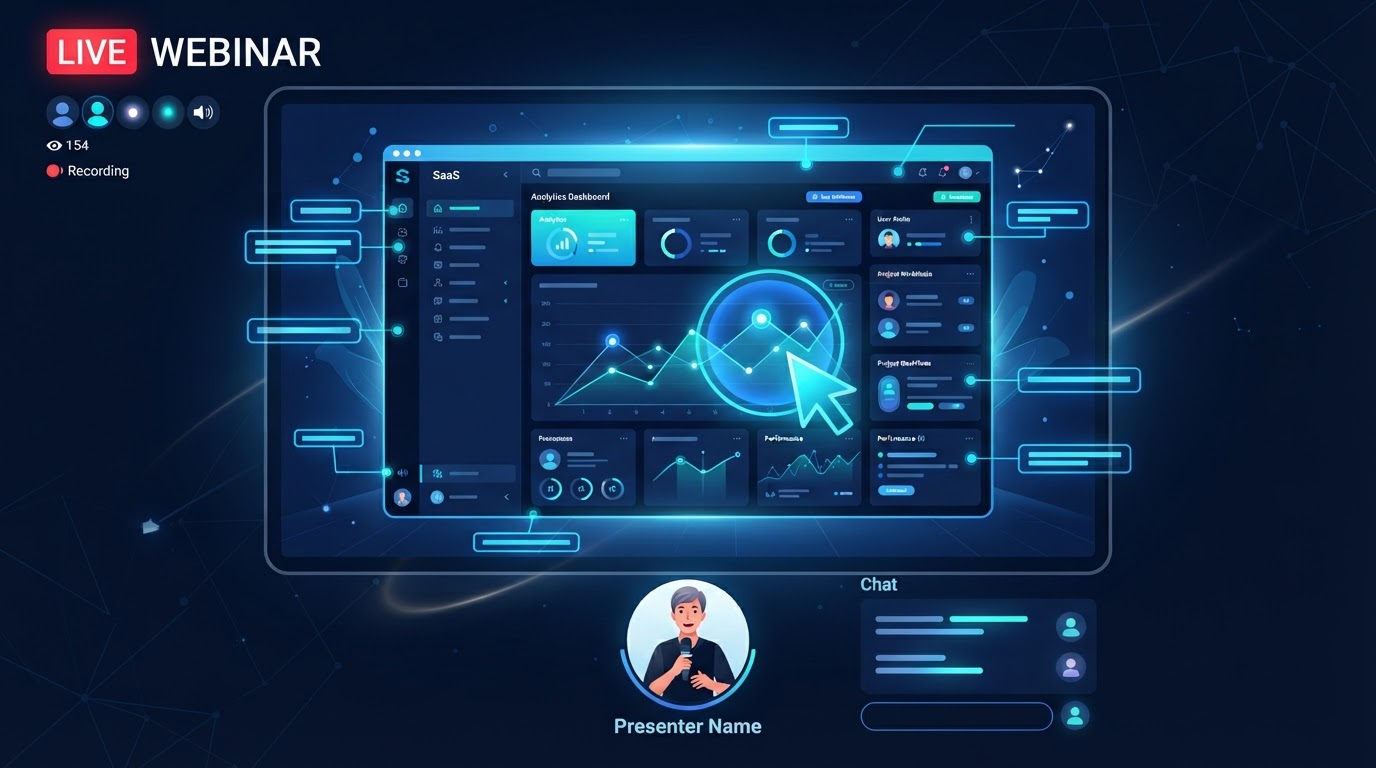
Product demos are repetitive by nature. The same features, the same workflow, the same before-and-after — shown to prospect after prospect. This is exactly the pattern that automated webinars are designed for. A well-structured demo, recorded once, can run as an evergreen or just-in-time webinar, capturing every prospect on their schedule.
The objection to automated demos is usually that prospects have specific questions that a recording cannot answer. This is where AI Q&A changes the equation. The prospect asks their specific question during the automated demo, and the AI answers it using the product knowledge base — feature details, pricing, integration questions, comparison points. The demo is automated. The engagement is not.
For a SaaS company running daily demos, this is the difference between a demo funnel that scales and one that bottlenecks on the sales team's calendar. The automated demo with AI Q&A handles the majority of prospects. The sales team handles the ones who need a human conversation — and those conversations start with a better-educated prospect.
What to measure in a demo webinar
The metrics that matter for a demo webinar are engagement-based. Watch time tells you whether the demo holds attention. Drop-off points tell you where the demo loses people — and those are the sections to restructure. Questions asked tell you what the demo did not answer. Offer clicks tell you whether the demo created enough interest to act.
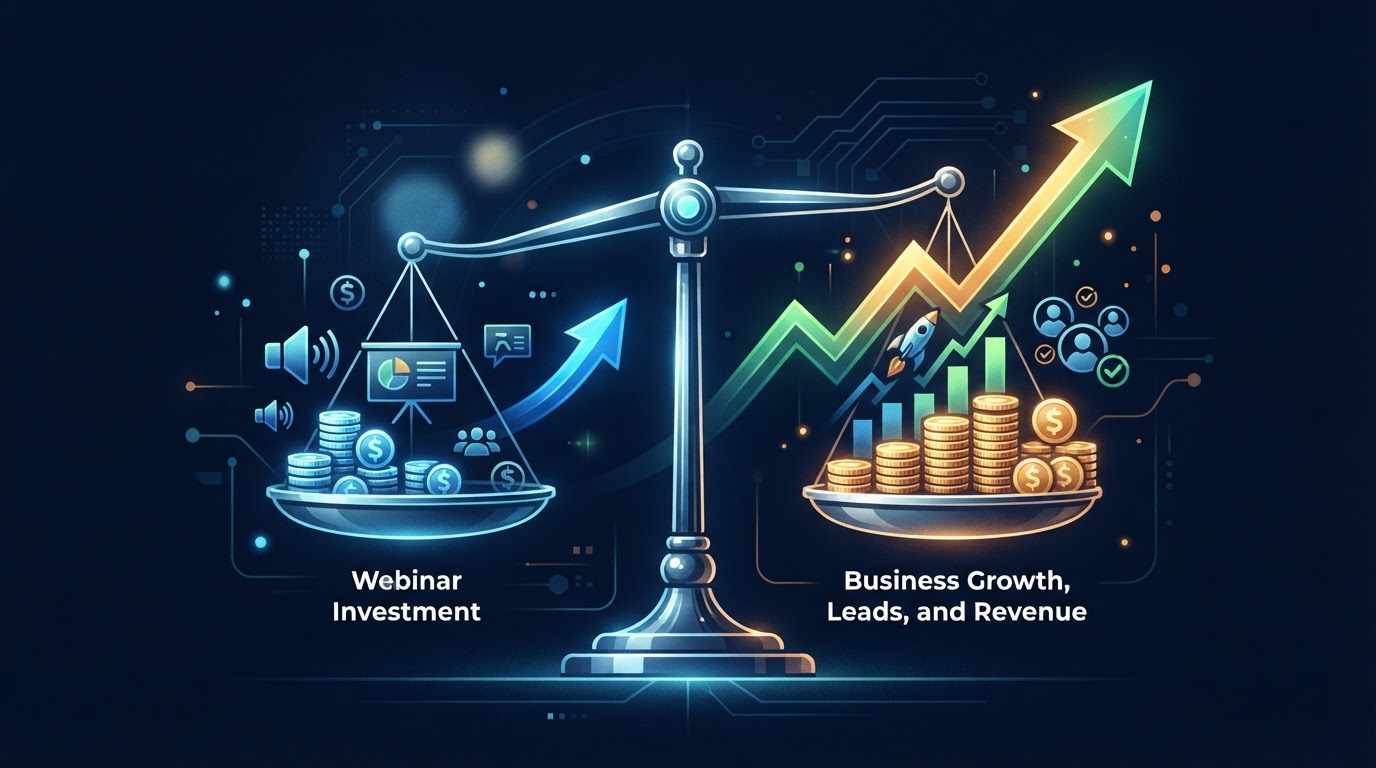
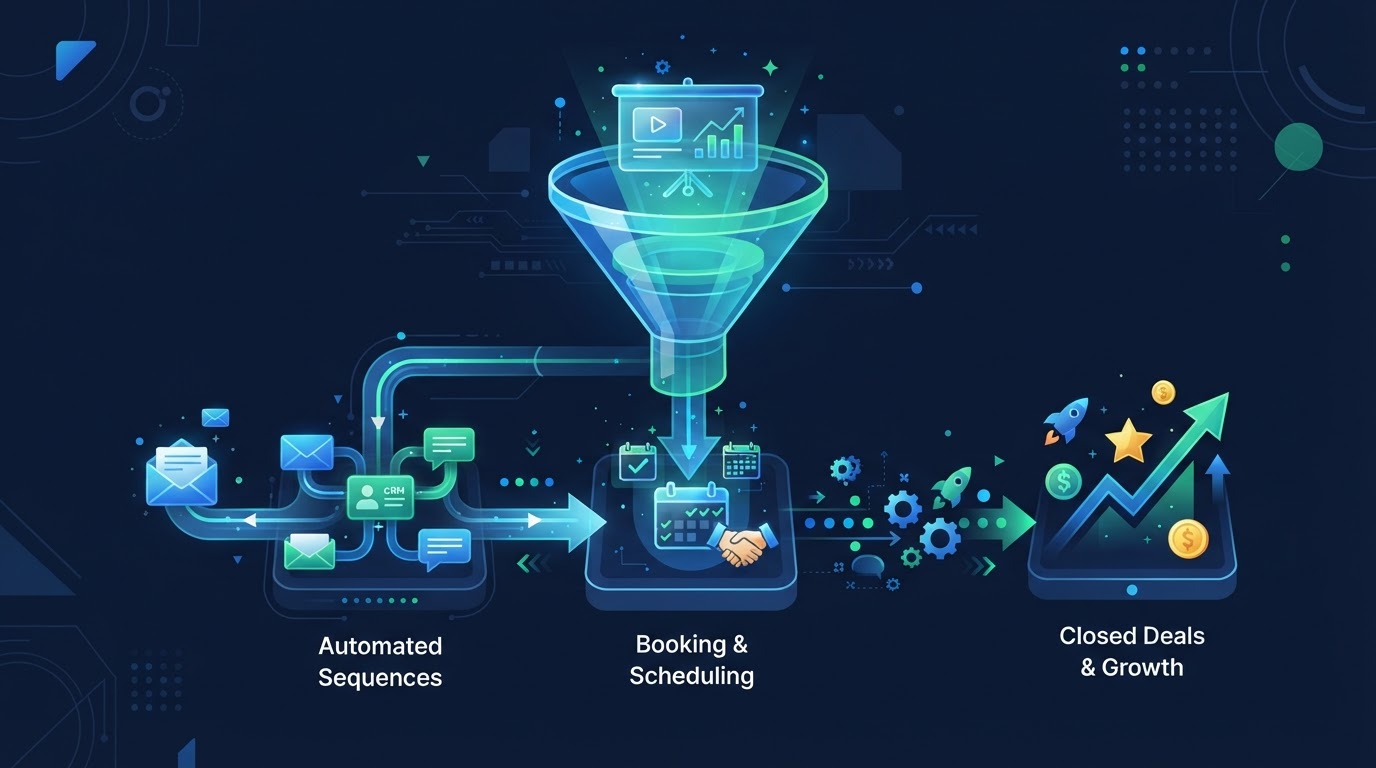
The ultimate metric is demo-to-trial or demo-to-booking rate. A demo that generates interest but not action is not successful, regardless of how many people watched. Track the path from demo attendance to the next step — trial signup, consultation booking, or purchase — and optimize the demo to maximize that conversion.
See AI webinars in action
Watch how WebinarBoostAi creates, presents, and engages with webinars using AI.
Book A DemoFrequently Asked Questions
What is a product demo webinar?
A product demo webinar is a presentation that shows how a product works to prospective customers. The most effective demos show transformation — how the product changes the attendee's workflow — rather than touring every feature. They are structured around the attendee's problem, not the product's menu.
How do I structure a product demo webinar?
Use a before-and-after structure: show the attendee's current process (the problem), then show the same process with the product (the transformation). Show only features that connect to the attendee's problem. Be specific about time saved, errors reduced, and outcomes improved. End with a clear offer.
Can I automate a product demo webinar?
Yes. Product demos are repetitive by nature — the same features shown to prospect after prospect. A recorded demo can run as an evergreen or just-in-time webinar, with AI Q&A answering prospect questions in real time using your product knowledge base. This scales the demo without scaling the sales team's calendar.
What are the most common demo webinar mistakes?
Three: the feature tour (showing every feature regardless of relevance), the speed run (clicking too fast for the attendee to follow), and the no-offer demo (showing the product without a clear next step). The attendee wants to see their problem solved, not every button in your interface.
How do I measure demo webinar success?
Track engagement metrics (watch time, drop-off points, questions asked, offer clicks) and the ultimate conversion metric: demo-to-trial or demo-to-booking rate. A demo that generates interest but not action is not successful. Optimize the demo to maximize the path from attendance to the next step.