

Virtual presentations are harder than in-person presentations. Not because the content is different, but because the environment is. In person, you have the room. The audience is physically present, socially committed, and unable to check their email without being noticed. Online, the audience is one click away from distraction. You do not have the room. You have a screen — and the screen competes with everything else on the attendee's device.
The best practices for virtual presentations are not the same as for in-person. They account for the different environment — the fragility of attention, the absence of social pressure, and the tools available to engage an audience you cannot see.
Structure for attention
In a virtual presentation, structure matters more than in person. The attendee's attention is fragile, and a poorly structured presentation will lose it within minutes. The structure should be tight: a specific promise in the first three minutes, short sections of 5-7 minutes each, clear transitions between sections, and an offer that is introduced early and made explicit at the end.
The specific promise is critical. In the first three minutes, the attendee is deciding whether to keep watching. Tell them exactly what they will get. Not 'we will talk about marketing' but 'you will leave with the three sequences that recover lost leads and the exact steps to set them up.' The specificity creates a commitment that sustains attention.
Pacing for engagement
Pacing in a virtual presentation should be faster than in-person. Long pauses that work in a room feel dead online. Slow explanations that hold attention in person feel tedious on a screen. Move through content at a brisk pace — make each point, provide one example, and move on. The attendee can always rewatch a section if they missed it.
That said, do not rush. Brisk does not mean fast. It means no wasted time — no filler, no repetition, no tangents. Every sentence should advance the presentation. If a sentence does not add value, cut it. The virtual audience has no patience for content that does not earn their attention.
Engagement tools
Virtual presentations have engagement tools that in-person presentations do not. Use them.
- Polls — ask the audience a question and have them respond. This breaks the passive viewing pattern and re-engages attention. Use a poll every 10-15 minutes.
- Chat — invite questions and comments throughout, not just at the end. In an automated webinar, AI Q&A makes the chat interactive by responding in real time.
- Handouts — provide a downloadable resource at a specific point. The act of downloading breaks passivity and creates a tangible connection to the content.
- Screen sharing — show, do not just tell. Demonstrating a product or a process on screen is more engaging than describing it.
Virtual presentations are not in-person presentations on a screen. Attention is more fragile, social pressure is absent, and the tools are different. Structure tightly, pace briskly, use engagement tools every 10-15 minutes, and make the visual support the spoken word. The rules are different because the environment is different.
Visual design
In a virtual presentation, the slides are the primary visual — and they need to work harder than in-person slides. In a room, the presenter is the focus and the slides are background. On a screen, the slides and the presenter compete for attention. The slides must be clean, focused, and visually engaging — not walls of text.
Each slide should make one point. Use images, diagrams, and minimal text. If the slide has more than a few words, the attendee will read it instead of listening — and they will finish reading before the presenter finishes speaking, creating dead time. The slide should reinforce the spoken word, not duplicate it. If the presenter is saying it, the slide should show it, not repeat it.
The presenter's presence
If the presenter is on camera, their presence matters. Look at the camera, not the screen — the camera is the audience's eye. Maintain energy that is slightly higher than feels natural, because the screen dampens it. Use gestures, but keep them within the frame. And smile — the audience reads warmth through the screen, and a presenter who looks engaged engages the audience.
For AI-presented webinars, the presenter's presence is handled by the AI — but the script still matters. The AI presenter delivers the words the human wrote. A script that is conversational, energetic, and structured will produce a better AI presenter delivery than one that is formal, flat, or disorganized. The presenter's presence, whether human or AI, is a function of the script's quality.
The follow-through
A virtual presentation does not end when the presentation ends. The follow-through — the follow-up, the offer, the next step — is part of the presentation. In person, the presenter can read the room and adjust the close. Online, the close must be built into the structure, because the presenter cannot see the audience's reactions in real time (in an automated webinar, there is no presenter present at all).
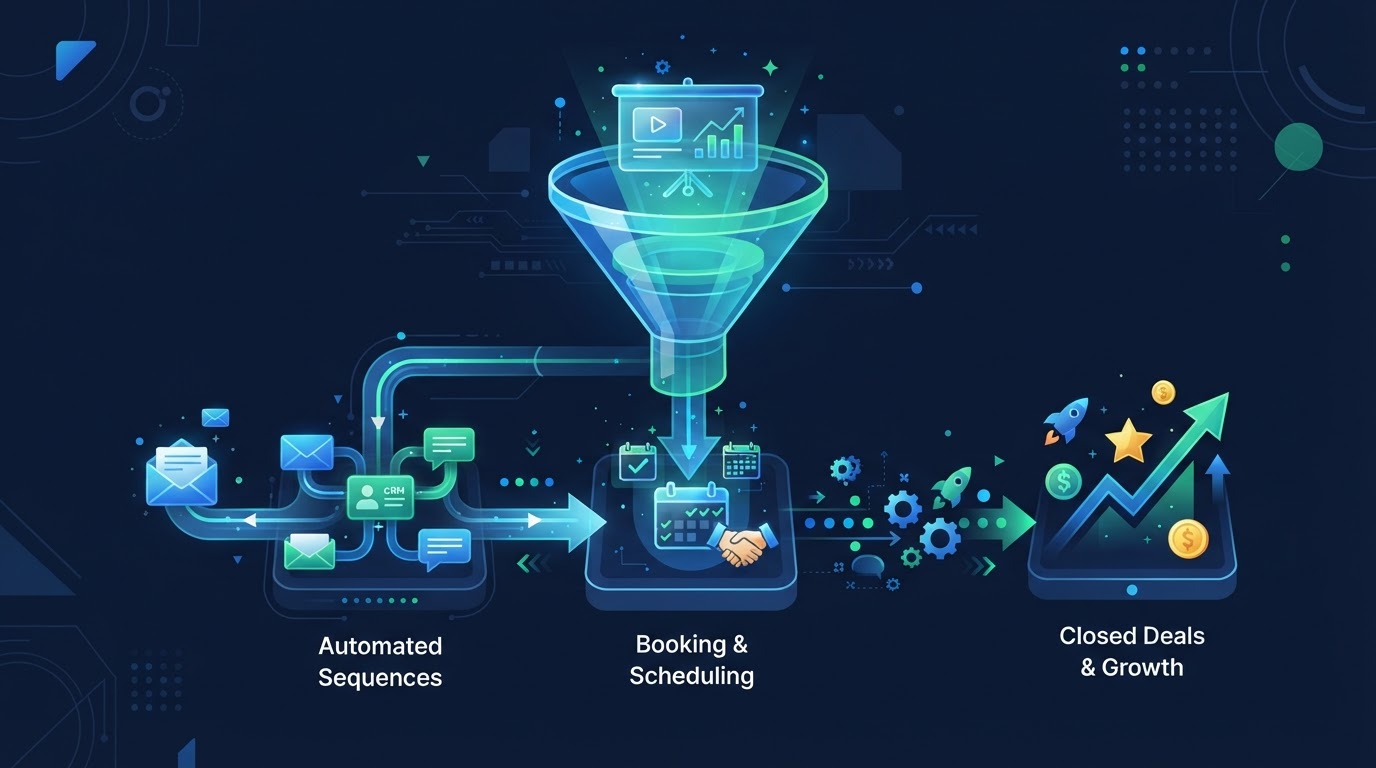
Build the offer into the presentation structure. Introduce it early. Make it explicit at the end. Provide a clear next step — a booking link, a trial signup, a purchase page. And ensure the follow-up is automated and behavioral, so every attendee receives the right message based on what they did. The presentation is the education. The follow-through is the conversion. Both must be planned.
See AI webinars in action
Watch how WebinarBoostAi creates, presents, and engages with webinars using AI.
Book A DemoFrequently Asked Questions
What are the best practices for virtual presentations?
Structure tightly (specific promise in the first three minutes, 5-7 minute sections, clear transitions), pace briskly (no filler or repetition), use engagement tools every 10-15 minutes (polls, chat, handouts, screen sharing), design clean slides (one point per slide, minimal text), maintain presenter presence (look at the camera, keep energy high), and build the offer and follow-up into the structure.
How is a virtual presentation different from in-person?
Attention is more fragile — the audience is one click from distraction. Social pressure is absent — no one notices if they check email. The tools are different — polls, chat, and handouts can engage an audience you cannot see. And the slides compete with the presenter for attention, so they must be cleaner. The rules are different because the environment is different.
How do I keep a virtual audience engaged?
Use engagement tools every 10-15 minutes: polls to break passive viewing, chat for questions (AI Q&A makes this interactive in automated webinars), handouts to create tangible connection, and screen sharing to show rather than tell. Also: promise something specific in the first three minutes to create commitment, and keep sections to 5-7 minutes.
How should I design slides for a virtual presentation?
Each slide should make one point, with images, diagrams, and minimal text. If a slide has more than a few words, the audience reads it instead of listening. The slide should reinforce the spoken word, not duplicate it. Clean, focused slides are more important online than in person because they compete with the presenter for attention.
Does a virtual presentation end when the presentation ends?
No. The follow-through — offer, next step, and follow-up — is part of the presentation. Build the offer into the structure (introduce early, make explicit at the end), provide a clear next step (booking link, trial, purchase), and ensure automated behavioral follow-up so every attendee receives the right message based on what they did. The presentation educates; the follow-through converts.