
Choosing automated webinar software is one of those decisions that looks simple until you make it. You compare feature lists, read reviews, pick a platform — and then discover six months later that the feature you actually needed was not there, or was there but did not work the way you expected. The feature list approach fails because it treats all features as equal. They are not.
The right approach is to start with your needs, not the platform's features. What are you trying to accomplish? What does your funnel require? What will your team actually use? Then evaluate platforms against those needs. Here is the framework.
Start with your requirements
Before evaluating any platform, define what you need. The questions to answer:
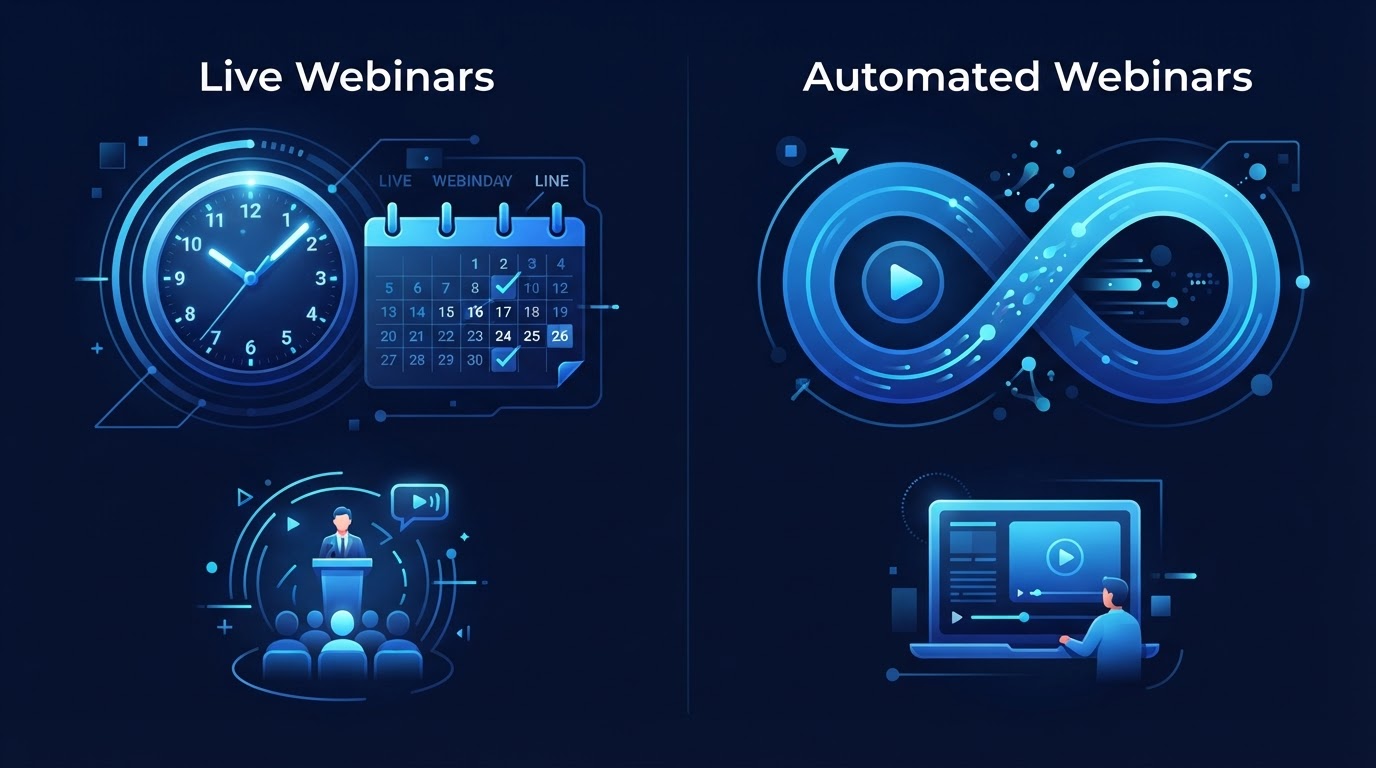
- What format do you need — evergreen, just-in-time, like-live, live, or multiple formats from one presentation?
- Do you need AI capabilities — AI-generated scripts, AI presenters, AI Q&A — or is a traditional automated webinar sufficient?
- What integrations are required — CRM, email marketing, payment processing, tracking pixels?
- How many webinars will you run, and how many attendees per session?
- Who will manage the platform — a technical team, a marketer, or a business owner?
- What is your budget, and is it per month or per attendee?
These questions narrow the field quickly. A business that needs AI Q&A and just-in-time sessions has a different shortlist than one that needs simple evergreen playback. A business that requires CRM integration has a different shortlist than one that does not. Define the requirements first, then evaluate platforms against them.
What to evaluate
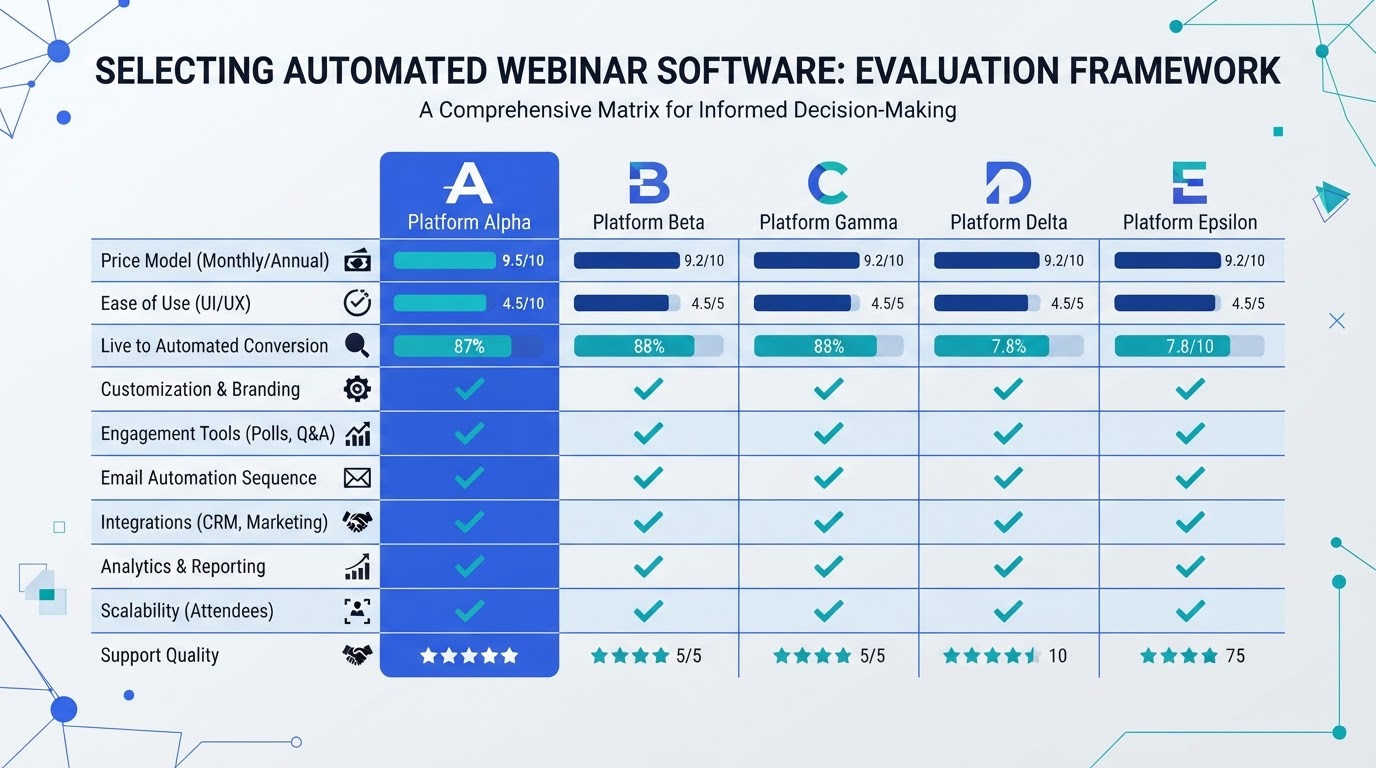
Once you know what you need, evaluate platforms on these dimensions:
Webinar formats
Does the platform support the formats you need? Can one presentation run as evergreen, just-in-time, and live? Or does each format require a separate setup? The platforms that support multiple formats from a single created webinar are more flexible and reduce production overhead.
AI capabilities
If AI matters to you, evaluate what the AI actually does. Can it generate a script from a brief? Can it build slides? Can it produce an AI presenter? Can it answer attendee questions in real time? Some platforms add AI as a feature on a traditional webinar product. Others are built around AI as the core. The difference matters for how deeply AI is integrated into the workflow.
Engagement features
Does the platform support interactive chat, polls, handouts, and timed offers? For automated webinars specifically, does it offer AI Q&A — the ability to answer attendee questions in real time during a recorded session? This is the feature that separates a modern automated webinar from a recording on a schedule.
Follow-up and automation
Does the platform support behavioral follow-up — different messages for different attendee segments? Or does it only support generic broadcast emails? Behavioral follow-up is one of the highest-leverage features for conversion, and not all platforms support it.
Integrations
Does the platform integrate with your CRM, email marketing tool, and payment processor? Are the integrations native or do they require Zapier? Native integrations are more reliable; Zapier-based integrations add a failure point and latency.
Analytics
What does the platform measure? Does it track watch time, drop-off points, questions asked, and offer clicks? Or only registration and attendance counts? The behavioral analytics are what allow you to optimize the funnel. Platforms that only track vanity metrics leave you blind to where the funnel leaks.
The feature list approach fails because it treats all features as equal. They are not. Start with your requirements, then evaluate platforms on the dimensions that matter to your specific funnel. A platform with fewer features that match your needs is better than one with more features that do not.
Common buyer mistakes
- Choosing on price alone — the cheapest platform may lack the engagement, follow-up, or analytics features that drive conversion. The cost of a platform that does not convert is higher than the cost of one that does.
- Overvaluing live webinar features when the primary use case is automated — if you will run 90% automated webinars, evaluate the automated features, not the live ones.
- Ignoring the follow-up capabilities — the follow-up is where most conversions happen. A platform with weak follow-up tools caps your results regardless of how good the presentation features are.
- Not testing the attendee experience — register for your own webinar on the platform and experience it as an attendee. The registration flow, the watch room, the chat, the replay — all of these affect conversion, and you will only find the problems by going through them yourself.
The question that matters most
After evaluating all the dimensions, the final question is: does this platform treat the webinar as an event or an asset? A platform built around events helps you run webinars one at a time. A platform built around assets helps you create a webinar once and run it continuously, with engagement and follow-up automated.
If your goal is to run occasional live webinars, an event-focused platform may suffice. If your goal is to build a continuous webinar funnel that captures leads 24/7, you need a platform that treats the webinar as an asset — with AI creation, AI engagement, automated formats, and behavioral follow-up built in. That distinction is more important than any individual feature on the list.
See AI webinars in action
Watch how WebinarBoostAi creates, presents, and engages with webinars using AI.
Book A DemoFrequently Asked Questions
What is the best automated webinar software?
There is no universally best platform — it depends on your requirements. Start by defining what formats you need, whether AI capabilities matter, what integrations are required, and who will manage the platform. Then evaluate platforms on webinar formats, AI capabilities, engagement features, follow-up automation, integrations, and analytics.
What should I look for in automated webinar software?
Evaluate six dimensions: webinar formats (can one presentation run as evergreen, just-in-time, and live?), AI capabilities (script generation, AI presenters, AI Q&A), engagement features (interactive chat, polls, timed offers), follow-up automation (behavioral, segmented), integrations (CRM, email, payments), and analytics (behavioral metrics, not just vanity counts).
How much does automated webinar software cost?
Pricing varies by platform and plan. Some charge per month with attendee limits; others charge per attendee. Evaluate cost against the features you need — a cheaper platform lacking engagement, follow-up, or analytics features may cost more in lost conversions than a more expensive one that has them.
Do I need AI in my webinar software?
If you run automated webinars, AI Q&A is the feature that addresses the traditional weakness — the silent chat. If you want to compress creation time, AI script and slide generation helps. If you want the webinar to run without a human presenter, AI presenters enable that. Evaluate AI based on whether it addresses your specific bottlenecks.
What is the biggest mistake when choosing webinar software?
Choosing on feature lists or price alone, without starting from your requirements. A platform with fewer features that match your needs is better than one with more features that do not. Also: not testing the attendee experience yourself. Register for your own webinar and go through the entire flow to find problems before your prospects do.