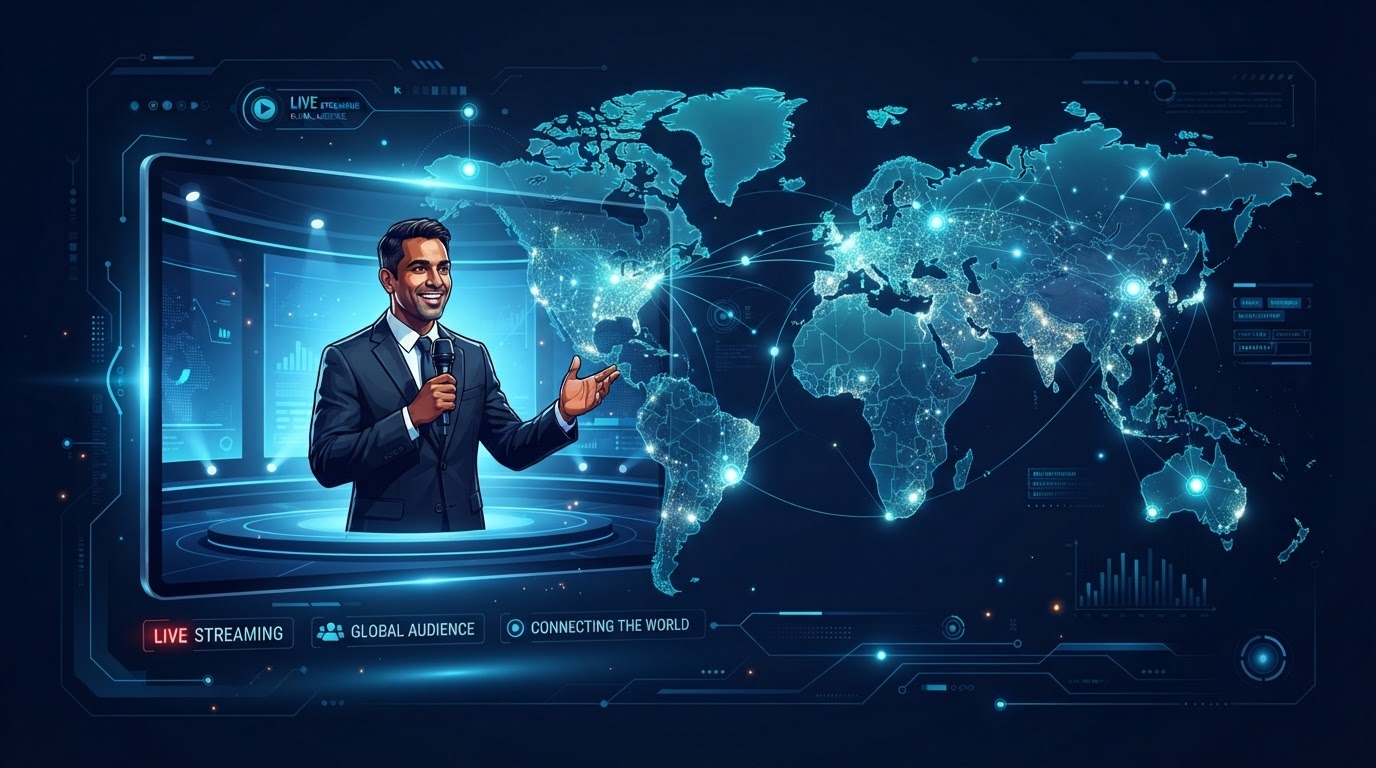

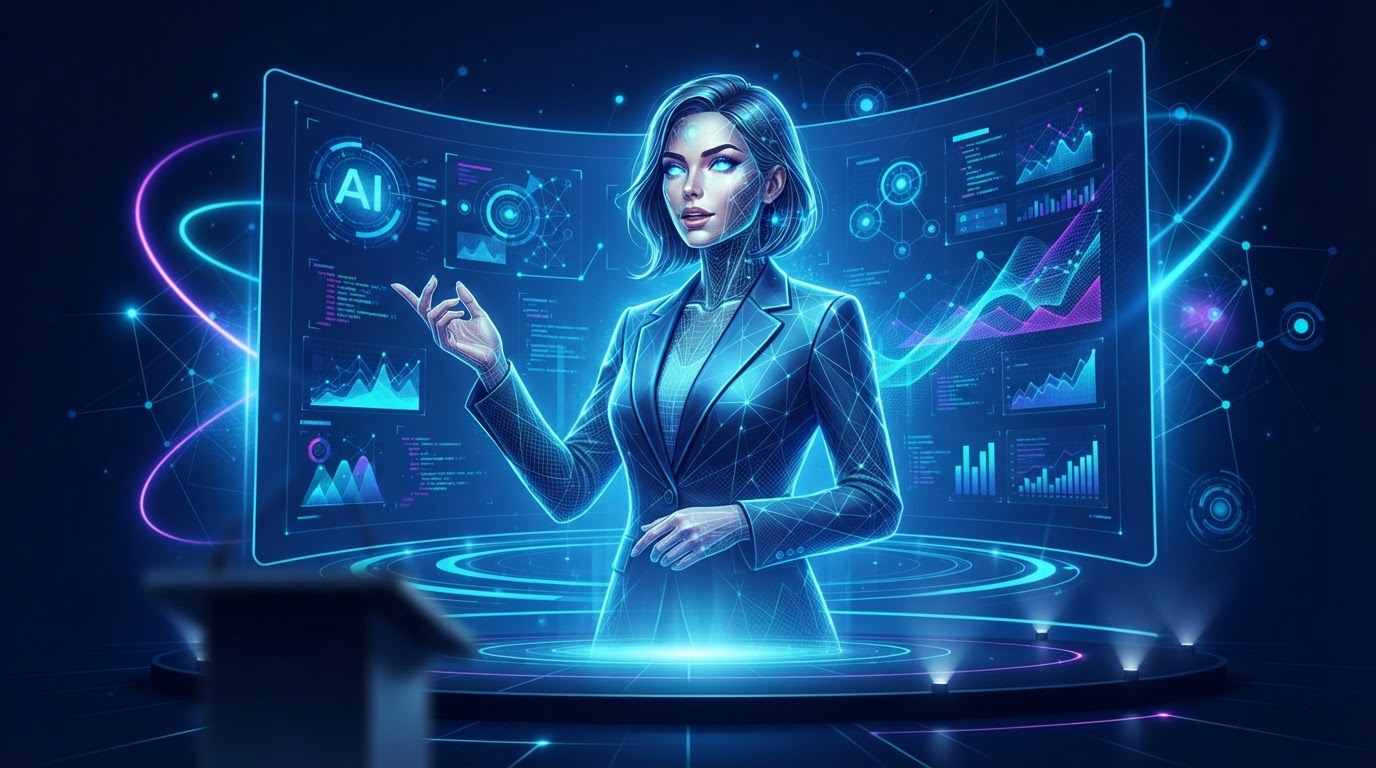
An AI webinar presenter is a generated video of a person delivering a written script. You provide the words. The AI produces a video of a presenter — sometimes a real person whose likeness has been licensed, sometimes a fully synthetic character — speaking those words on camera. The result is a presentation that looks like a human delivered it, without requiring a human to be present during the recording or the webinar.
The technology is often confused with deepfakes, but the use case is different. A deepfake impersonates a specific real person without consent. An AI presenter uses either a licensed likeness — a real person who has agreed to have their image used — or a synthetic face that does not belong to anyone. The ethical line is consent and transparency, not the technology itself.
How AI presenters work
The process has three stages. First, you write a script — the exact words the presenter will say. Second, the AI generates the audio, converting text to speech with natural intonation, pacing, and emphasis. Third, the AI generates the video, syncing the presenter's mouth movements, facial expressions, and body language to the audio. The output is a video file that can be played during a webinar as if the presenter were live.
The quality varies by provider. Early AI presenters looked stiff and sounded robotic. Current technology can produce presenters that are difficult to distinguish from a real recording, particularly when the script is well-written and the presentation is structured around slides rather than requiring the presenter to carry the entire visual load.
When an AI presenter makes sense
- When the presenter cannot be available for every session — evergreen and just-in-time webinars that run at all hours
- When the same presentation needs to be delivered in multiple languages
- When the business wants to test a presentation before investing in a professional studio recording
- When the presenter is a subject matter expert who is uncomfortable on camera but whose knowledge is valuable
- When the webinar needs to be updated frequently and re-recording a human each time is impractical
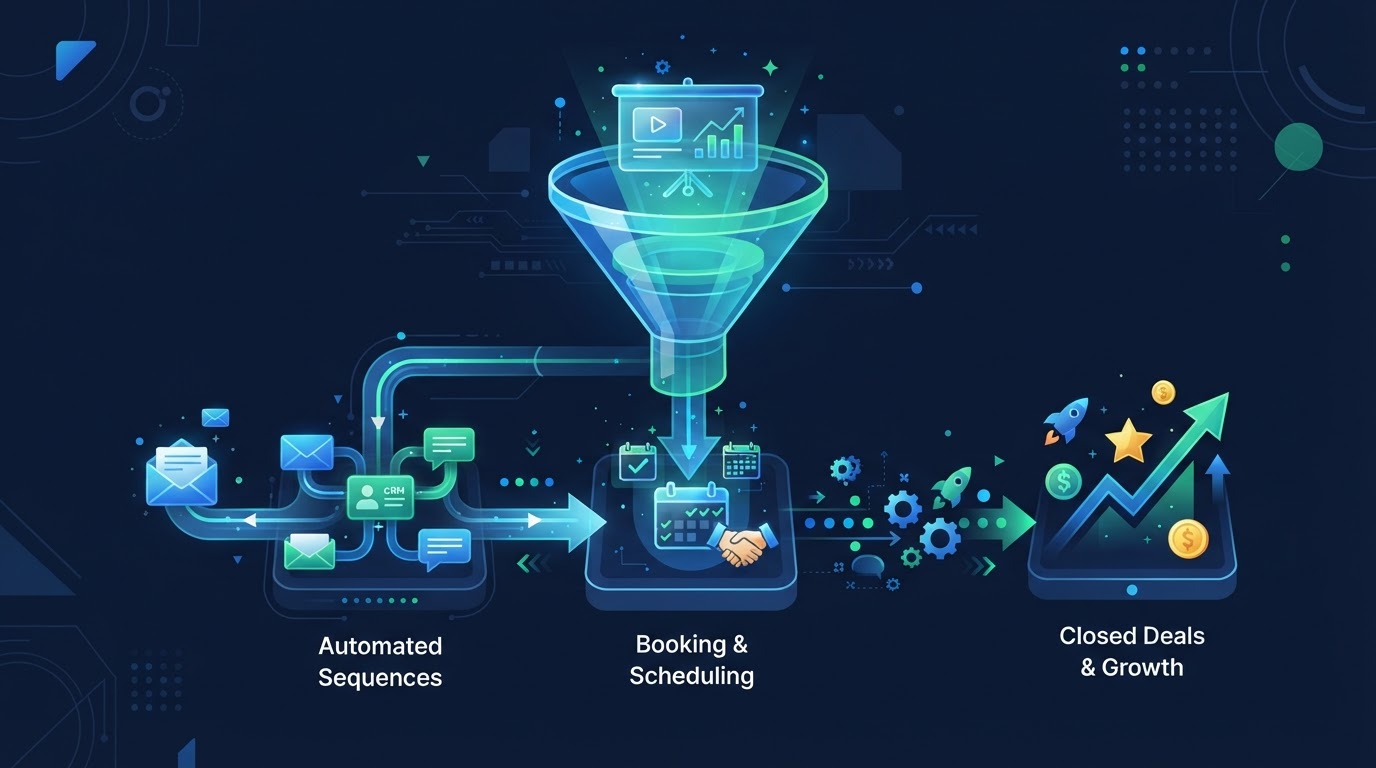
The common thread is scalability. An AI presenter allows the presentation to run without the presenter's time. For a business running daily product demos, that is the difference between a webinar funnel that scales and one that bottlenecks on a single person's calendar.
When an AI presenter is the wrong choice
An AI presenter is not right for every situation. If your brand is built on a personal relationship with a specific person — a founder whose face and voice are central to the company's identity — an AI version may feel inauthentic to an audience that expects to see that person. If the presentation requires genuine spontaneity — live Q&A where the presenter thinks on their feet — an AI presenter cannot do that. And if the audience is highly sensitive to authenticity — certain professional audiences, executive buyers — the slight uncanniness of an AI presenter may work against you.
The decision is not AI presenter versus human presenter. It is AI presenter versus no webinar at all. If the choice is between an AI presenter that lets the webinar run on every attendee's schedule and a human presenter that limits the webinar to a few live sessions per month, the AI presenter produces more touchpoints, more data, and more conversions — even if each individual session is slightly less personal than a live human delivery.
The right question is not Is an AI presenter as good as a human? The right question is Does an AI presenter let me run webinars I otherwise could not? If the answer is yes, the comparison is not against a perfect human delivery. It is against the webinars that never happened because the human was not available.
What to look for in an AI presenter
If you are evaluating AI presenter technology, look at four things. First, naturalness — does the presenter's speech sound human, with appropriate pauses, emphasis, and emotion? Second, visual quality — does the lip sync hold up, and does the presenter look alive rather than stiff? Third, customization — can you adjust the script and regenerate the video quickly, or is each change a slow process? Fourth, integration — does the presenter output connect to your webinar platform, or do you have to manually manage video files?
The last point is where many businesses get stuck. They find an AI presenter tool that produces good video, but the workflow of generating the video, downloading it, uploading it to a webinar platform, and updating it when the script changes is cumbersome. A platform that integrates AI presenter generation with the webinar system — where the script is written, the presenter is generated, and the webinar is published in one workflow — eliminates that friction.
The script matters more than the face
The most overlooked factor in AI presenter quality is the script. A well-written script — clear, conversational, structured around the attendee's questions — makes any presenter, AI or human, more effective. A poorly written script makes even the best AI presenter sound flat. Businesses that invest in AI presenter technology without investing in script quality are spending on the wrong layer of the stack.
This is where AI-assisted script creation becomes valuable. An AI that can take a brief — a few sentences about what the webinar should cover — and generate a structured, conversational script gives you a starting point that a human can refine. The combination of AI-generated script and AI presenter delivery is what makes the entire webinar production scalable, not just the presenter layer.
See AI webinars in action
Watch how WebinarBoostAi creates, presents, and engages with webinars using AI.
Book A DemoFrequently Asked Questions
What is an AI webinar presenter?
An AI webinar presenter is a generated video of a person delivering a written script. You provide the words; the AI generates audio with natural speech and video with synced facial movements. The result is a presentation that looks human-delivered without requiring a person during recording or the webinar.
Is an AI presenter the same as a deepfake?
No. A deepfake impersonates a specific real person without consent. An AI presenter uses either a licensed likeness — a real person who agreed to be used — or a fully synthetic face. The ethical distinction is consent and transparency, not the underlying technology.
When should I use an AI presenter?
Use an AI presenter when the human cannot be available for every session — evergreen and just-in-time webinars — when you need multiple languages, when you want to test before a studio recording, or when the presenter is uncomfortable on camera but their knowledge is valuable.
When should I not use an AI presenter?
Avoid AI presenters when your brand depends on a specific person's identity, when the presentation requires live spontaneity, or when the audience is highly sensitive to authenticity. The choice is usually AI presenter versus no webinar at all, not AI versus a perfect human delivery.
What matters most in AI presenter quality?
The script. A well-written, conversational script makes any presenter more effective. A poor script makes even the best AI presenter sound flat. Invest in script quality — ideally AI-assisted — before investing in presenter technology.